
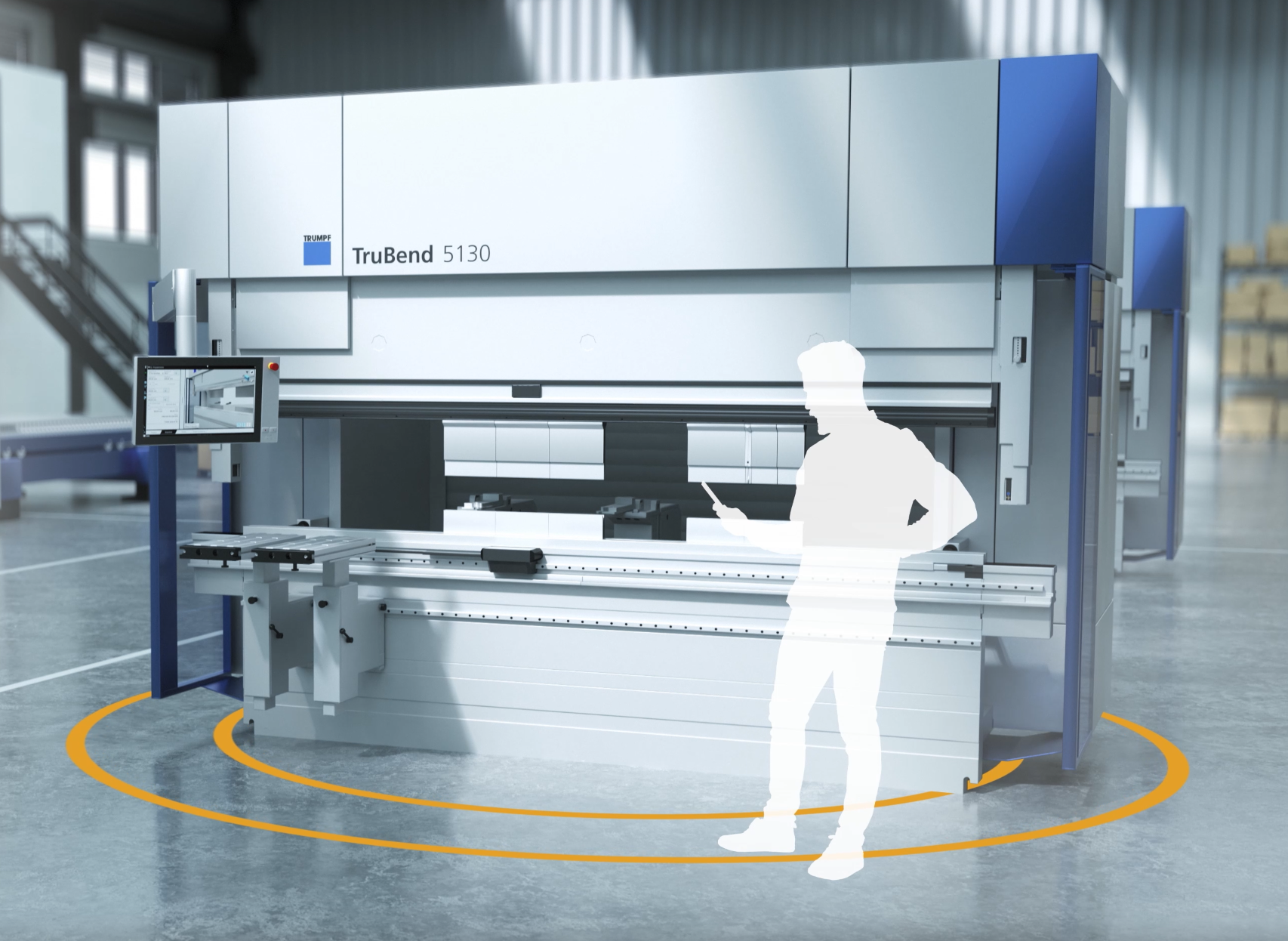
The TRUMPF Service App gives your operators a direct way to submit service cases to TRUMPF's Technical Service team from a phone or tablet, at any hour. Your case is routed directly to the responsible TRUMPF service engineer, who will follow up by phone.
The app is one of two ways to get support for your TRUMPF equipment. Our local Maintecx team handles installations, repairs, applications support, and preventative maintenance. Many customers use the app for quick submissions and real-time tracking, and Maintecx for hands-on, in-territory work.
The TRUMPF Service App: Your Direct Line to TRUMPF Technical Support
What the TRUMPF Service App Does
The app connects to your MyTRUMPF account and gives you a full view of your service activity across your machine fleet. Key functions include:
Submitting and managing service cases: Report issues on any machine in your fleet, attach photos or video directly from your phone, and designate a contact person. Push notifications keep you updated on case status and incoming messages from technicians as they come in.
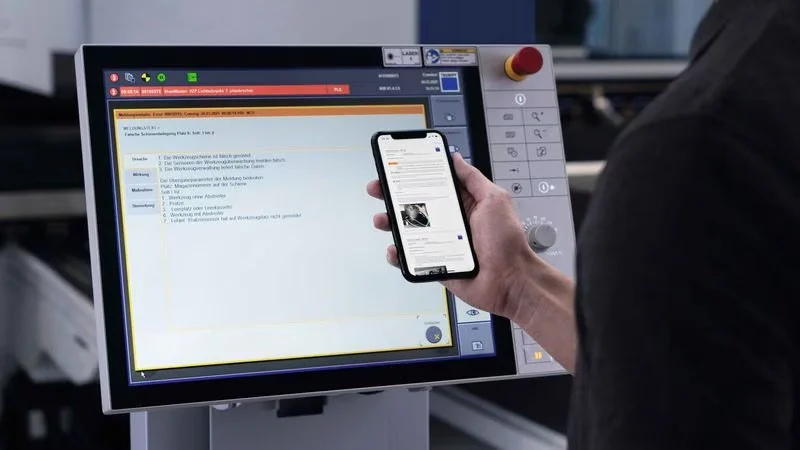
Technical Guides for common error codes: When you enter the error code displayed on your machine, the app checks whether a Technical Guide is available for that code. If one exists, you get step-by-step instructions to resolve the fault yourself, often without waiting for a technician.
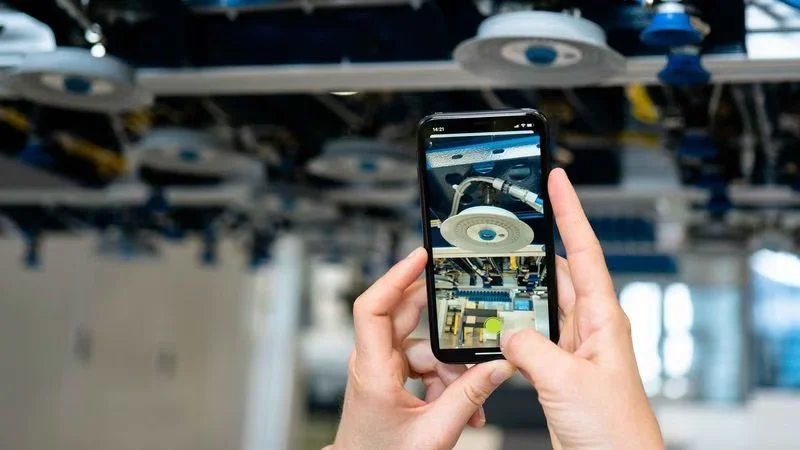
Visual Assistance for remote diagnosis: TRUMPF service engineers can connect to your phone or tablet camera to see exactly what you're seeing for a live troubleshooting session.
Genuine Parts tracking: When a TRUMPF service engineer orders parts for your machine, the app shows the current order status so you know exactly when to expect delivery.
Machine log book: Maintenance notes, events, and machine-specific history are documented across your entire fleet and are visible company-wide. Every operator and manager works from the same record.
Around-the-clock submissions: Cases submitted overnight are processed first thing the next morning.
Getting Started
You'll need a free MyTRUMPF account to use the Service App. If you don't have one yet, you can register at trumpf.com/mytrumpf.
Once your account is set up and authorized, download the app and log in with your MyTRUMPF credentials. Your registered machines will already appear in the app.
Service cases can also be submitted and managed through the MyTRUMPF web portal from a desktop PC, if a phone isn't handy.
How to Submit a Service Case
Select your machine: Choose the affected machine from your fleet by name or machine number.
Enter any error codes: Error codes trigger a check for available Technical Guides, so include them if the machine is displaying any.
Describe the problem: A brief description helps TRUMPF's team prepare before they call.
Add photos or video: Attach media directly from your phone to give the service engineer a clear picture of the issue.
Specify a contact person: Name the person who should receive TRUMPF's follow-up call. This is useful when shifts change, and someone else needs to be available.
Need Local, Hands-On Support?
The TRUMPF Service App handles service submissions and remote support well. For installations, repairs, applications support, and preventative maintenance, our TRUMPF-trained and certified technicians are available across our territory.